
Use contrast as your starting point
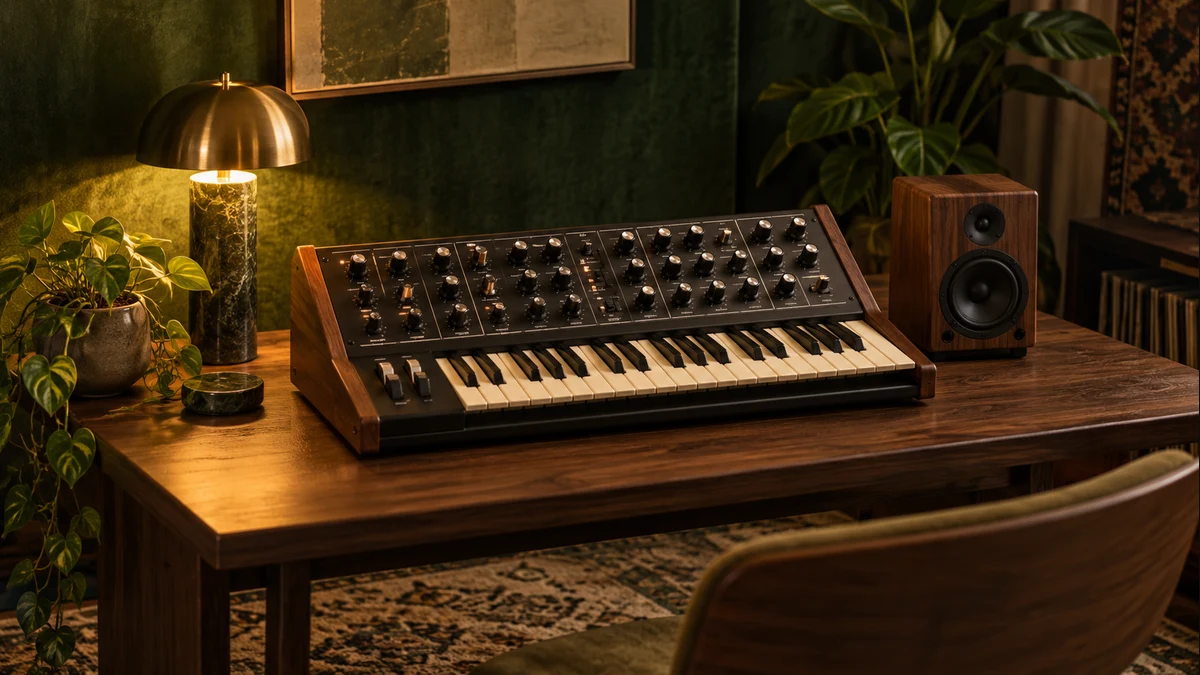
Dark pop is a flexible descriptive term. For this exercise, think of a direct, memorable motif surrounded by an ambiguous electronic atmosphere. A bright melody can make a dark backing feel darker, because the two elements frame one another. Start with a four-note phrase that remains recognizable on a plain keyboard sound. If the idea only works with a large effect chain, simplify the notes before adding more processing.
Choose a small harmonic vocabulary
A minor scale provides one set of colors, but it does not guarantee a mood. Note spacing and register matter too. A low, tightly voiced chord may sound crowded; move one note up an octave and the same harmony can breathe. Keep the progression short and listen to where it feels unresolved. Instead of forcing a dramatic change, let the melody imply a destination that arrives later. Tension needs a context to be meaningful.
Shape the edges
A low-pass filter can soften bright harmonics, while a slower attack can make a sound feel less immediate. Neither setting automatically makes a track dark. Use them to place one sound behind another. A crisp lead over a softer pad can establish depth with very little material. Short echoes can add a sense of an enclosed room; a long wash can suggest a much larger space. Compare both at similar perceived volumes.
Make room for the central idea
Even an instrumental pop sketch benefits from thinking about a lead role. If a vocal were added, where would it sit? Avoid filling that entire range with sustained chords and busy arpeggios. Listen to Neon Afterhours and focus on how a small lead phrase repeats. Then imagine removing every second repetition. Absence can create anticipation, especially when the listener already knows the shape of the phrase.
Keep the story honest
Mood descriptions invite the listener into an interpretation; they are not promises about an emotional or health outcome. Our neon-rain narrative is a creative listening prompt. Use it if it helps you notice the arrangement, and leave it behind if you hear something else. The most useful sound-design notes connect an impression to an audible decision: fewer overtones, a longer release, a wider interval or a sparser beat.
Further exploration
For a technical explanation of browser sound generation, see the MDN Web Audio API documentation. These field notes are practical listening exercises, not a comprehensive history or rigid definition of a genre.
Technical background
- Ableton Learning Synths — Interactive synthesis fundamentals.
- MDN: OscillatorNode — Waveform and oscillator behavior in Web Audio.
Original 51ROUSI editorial content. How we write and review · Suggest a correction